Console Output
For those curious about the active console output of the game in its current state, it is below this paragraph. The warning about missing textures are due to prototypes calling for textures that haven’t been made yet. However, things work perfectly fine thus far. It is a phenomenal feeling to see the decrepit heart of an ordered yet highly complex piece of equipment begin to beat, and with rhythm!
[INFO_PRINT] ECS status: on
[INFO_PRINT] Initializing components.
[INFO_PRINT] Scanning 2 assemblies for components...
[INFO_PRINT] Registered 4 components in 6ms
[INFO_PRINT] Registered types:
[INFO_PRINT]
  DegredationComponent -> ID 0

  ExpiresComponent -> ID 1

  PositionComponent -> ID 2

  RenderableComponent -> ID 3

[INFO_PRINT] Initializing static paths.
[GENERAL_WARNING] There are no loaders available for the Game Loader!
[INFO_PRINT] Initializing localizations.
[FILE_WARNING] Localization folder for "en-US" does not exist! Using default "en-US" instead.
...mods\ExampleMod\localization
[FILE_ERROR] Localization folder for "en-US" does not exist, either! See filepath above!
[INFO_PRINT] Initializing textures.
[INFO_PRINT] Building content index.
[INFO_PRINT] Content index built. Found 13 assets.
[INFO_PRINT] Loading prototypes.
[INFO_PRINT] Loading definitions.
[INFO_PRINT] ...casting cached prototypes...
[INFO_PRINT] ...conducting invalidation checks...
[INFO_PRINT] ...creating item definitions...
[FILE_WARNING] Texture not found: [items:bar_aluminum]
[FILE_WARNING] Texture not found: [items:bar_copper]
[FILE_WARNING] Texture not found: [items:bar_splendurium]
[FILE_WARNING] Texture not found: [items:bar_gold]
[FILE_WARNING] Texture not found: [items:bar_iron]
[FILE_WARNING] Texture not found: [items:bar_steel]
[FILE_WARNING] Texture not found: [items:bar_titanium]
[INFO_PRINT] ...creating voxel definitions...
[FILE_WARNING] Errors found in voxel game:test_model_real:
Failed to find item drop rock id in game:test_model_real. It is forced to be removed.

[INFO_PRINT] ...creating recipe definitions...
[INFO_PRINT] Note that recipes require reference IDs. These are made automatically, but can be assigned manually.
This is usually the case for overrides. Recipes require fully-qualified IDs to work.
[FILE_WARNING] Yaml entry game: that creates game:bar_steel contains the following errors:
Required item entry game:iron_ore does not exist.

Required item entry game:common_basalt does not exist.

[FILE_WARNING] Yaml entry game: that creates game:bar_aluminum contains the following errors:
Required item entry aluminum_ore does not exist.

[FILE_WARNING] Yaml entry game: that creates game:bar_copper contains the following errors:
Required item entry copper_ore does not exist.

[FILE_WARNING] Yaml entry game: that creates game:bar_gold contains the following errors:
Required item entry game:gold_ore does not exist.

[FILE_WARNING] Yaml entry game: that creates game:titanium_bar contains the following errors:
Recipe item requirement game:titanium_bar does not exist.

Required item entry game:titanium_ore does not exist.

[FILE_WARNING] Yaml entry game: that creates game:bar_splendurium contains the following errors:
Required item entry game:splendurium_ore_low does not exist.

[FILE_WARNING] Yaml entry game: that creates game:bar_splendurium contains the following errors:
Required item entry game:splendurium_ore_high does not exist.

[INFO_PRINT] Loaded 0/7 recipes.
[INFO_PRINT] ...creating mob templates...
[FILE_ERROR] Mob templates not unimplemented.
[INFO_PRINT] Loading complete by 104ms
[INFO_PRINT] Switching to scene SceneGameplay.
[INFO_PRINT] ...clearing screens...
[INFO_PRINT] ...unloading previous scene...
[INFO_PRINT] ...creating new scene...
[INFO_PRINT] ...initializing scene...
[INFO_PRINT] ...initializing world...
[INFO_PRINT] ...initializing ECS...
[INFO_PRINT] ...reading system assemblies...
[INFO_PRINT] ...loading systems from 0 types...
[INFO_PRINT] Completed registration of 0 Systems.
[INFO_PRINT] ...loading additional scene content...
[INFO_PRINT] Scene load complete by 115ms
The last few days of silence have not been empty, but rather busy. In my opinion, it even feels almost premature to note what follows publicly, since there visually isn’t very much that appeals to the concept of a game yet. Most of the changes thus far have been in the backend. Little optimizations, meager additions, and frameworking for future additions. You’ll see why, shortly.
Automated Terrain Indexing
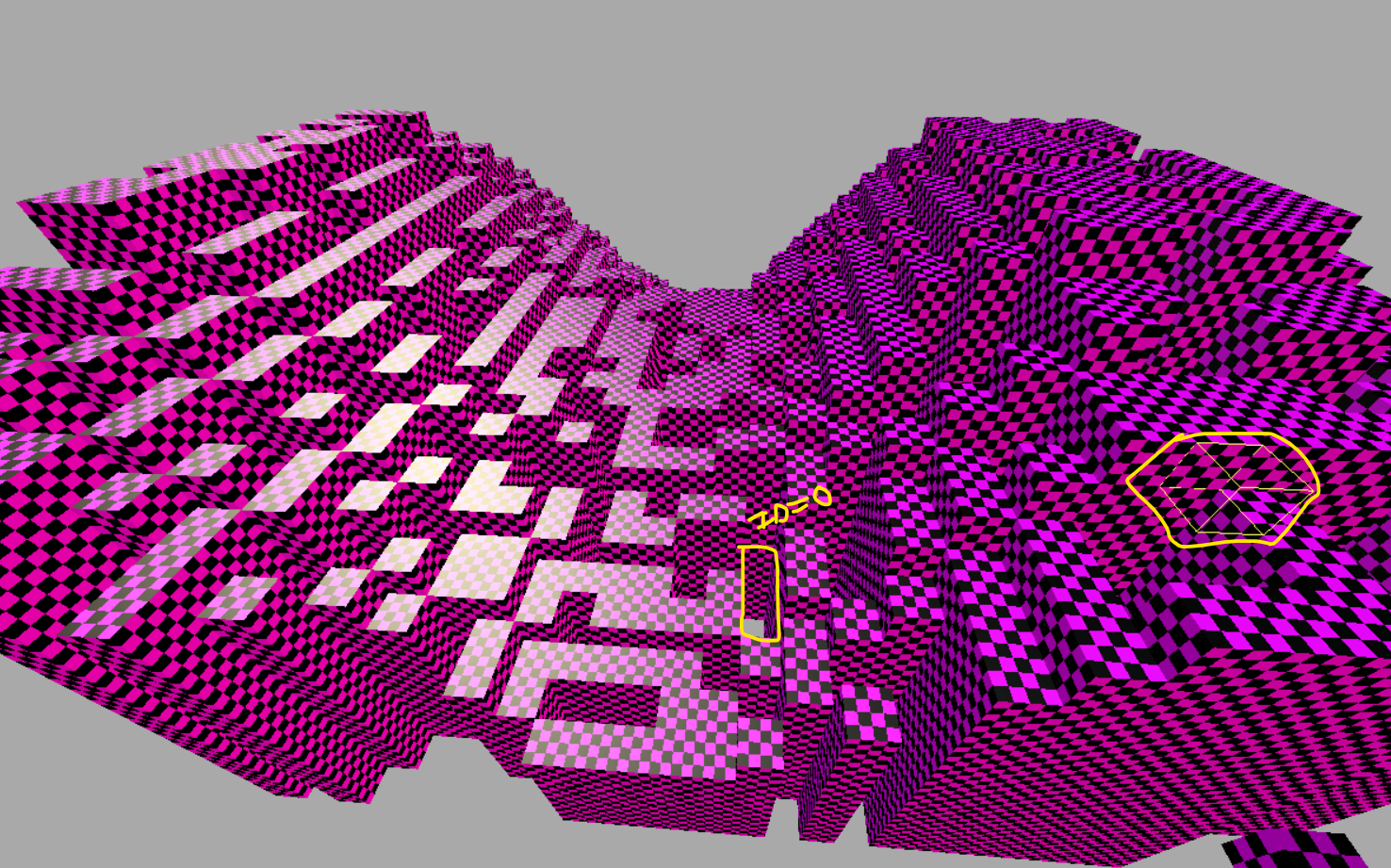
Terrain now loads different cube IDs, but the materials aren’t loading correctly. Believe it or not, this is an upgrade despite it visibly appearing worse than it used to. Additionally, a raycast was added from the camera that (poorly) highlights a cube it’s looking at. The game crashes at this point if you look behind the chunk, likely due to a segfault. The chunk was set to generate in a much more visible pattern of random cubes with ids from 0 -> 3, causing random gaps in between. You’ll find that I don’t mention this highlighting detail for some time further, because it was disabled so I could focus on proper implementations for highlighting.
Terrain Indexed Texture Rendering
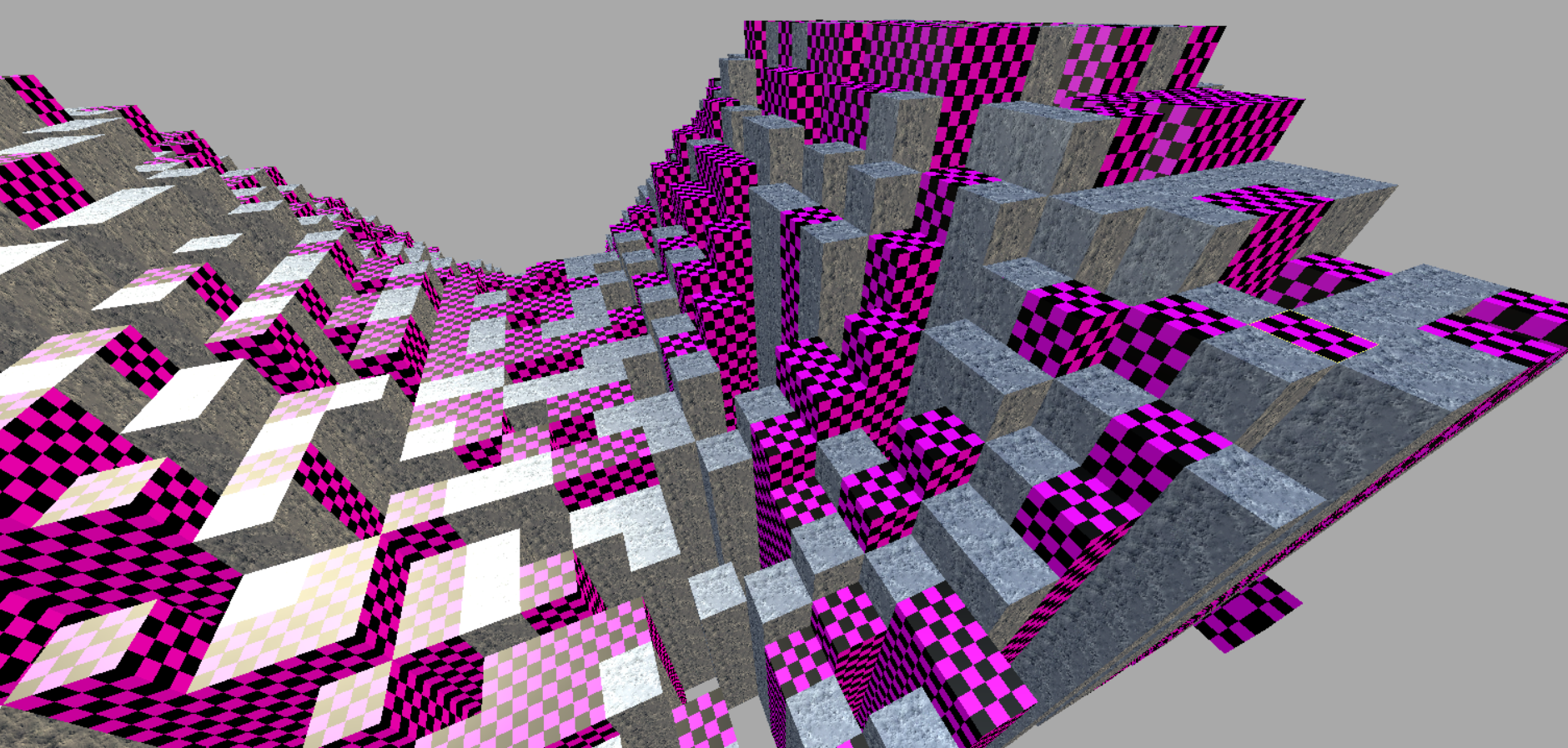
After properly handling material overrides & indices, the cubes with textures will render correctly. By this point, there is still a critical issue in loading pre-compiled game content. SKSSL simply didn’t support it outside of simple textures, which has becomes a major issue if we wanted to pre-load assets. This is mostly what the updates are going to look like for a while. The private roadmap on our end is focused on ironing all rendering in the terrain, rather than elaborate on the terrain itself. Meaning instead of “biomes” being next, the next TODOs involved making sure all textures render correctly, adding support for transparent cubes, additional models / meshes, and so forth.
Terrain Texture Rendering (After SKSSL v1.7)
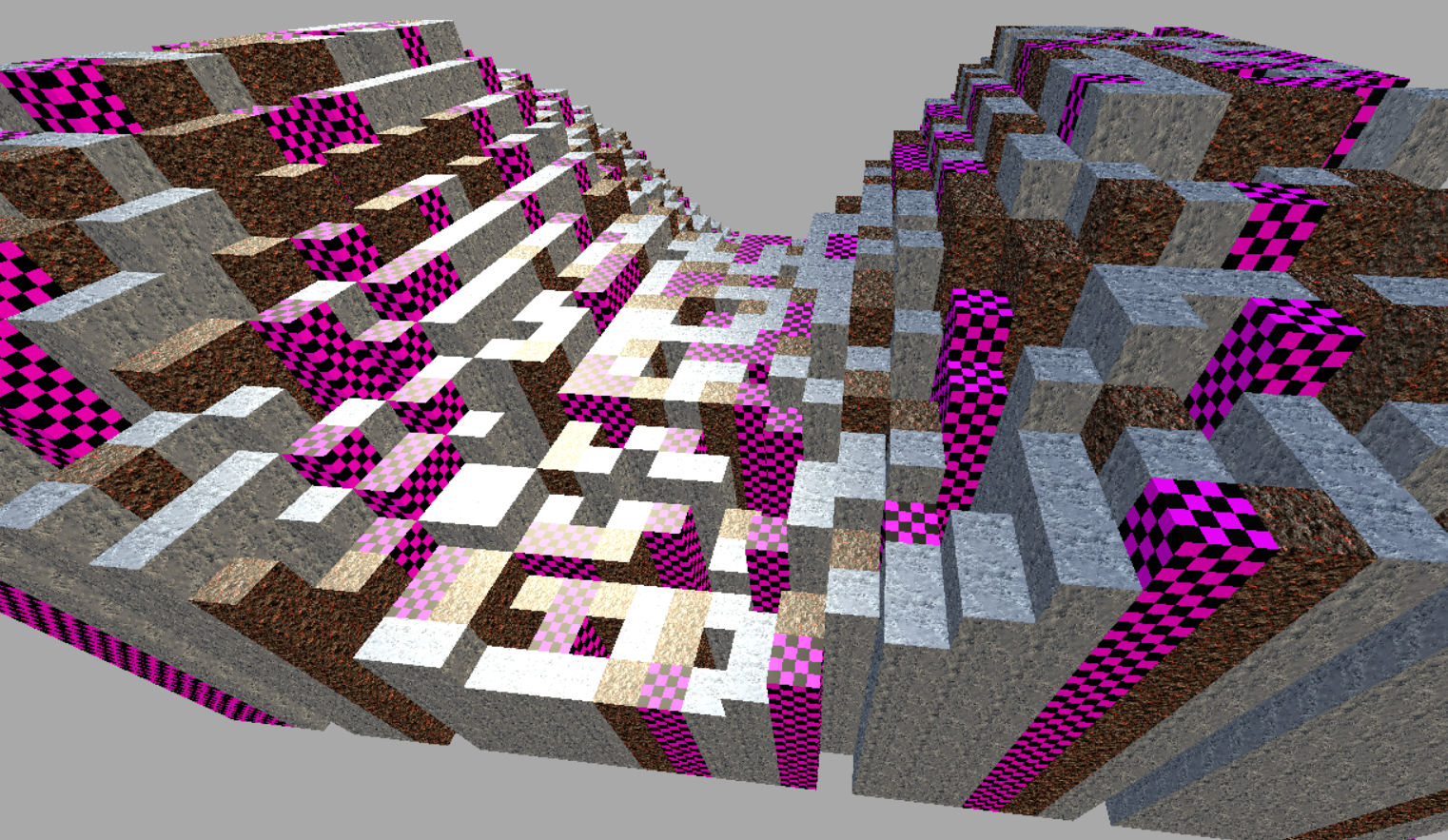
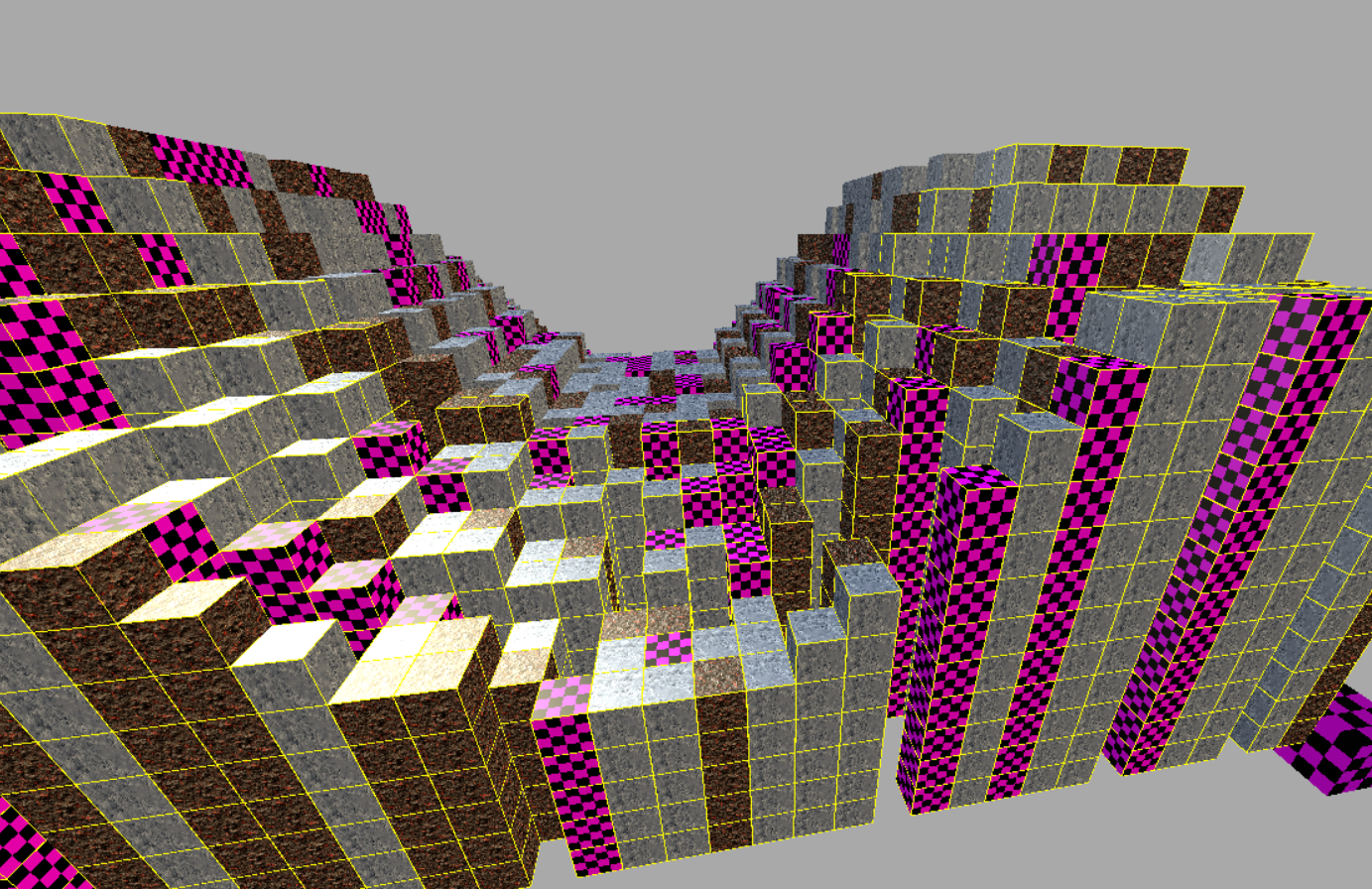
Good news is, the content loader is now being bootstrapped into the texture and material registries, meaning you can now load textures from files, or from the content managers just fine. Mods override content managers. This interaction with the content managers was not present in the past.
The bad news is that some textures are still missing, and I don’t know exactly why, because the voxel IDs are supposed to correspond with proper texture definitions. I’ll need to double check the prototypes.
The neutral news is that at this point I have created some basic implementations for what will eventually be proper highlighted cubes. Every chunk stores additional positions of cubes that are actively being highlighted. This means methods that highlight cubes in bulk for any reason whatsoever are now possible. Want an entity that highlights an entire structure? Sure! Not all chunk entries completely highlight in this attempt, which was strange since the math seemed fine. I can’t begin to fathom how models are going to be added to the terrain without being a right-proper nightmare.
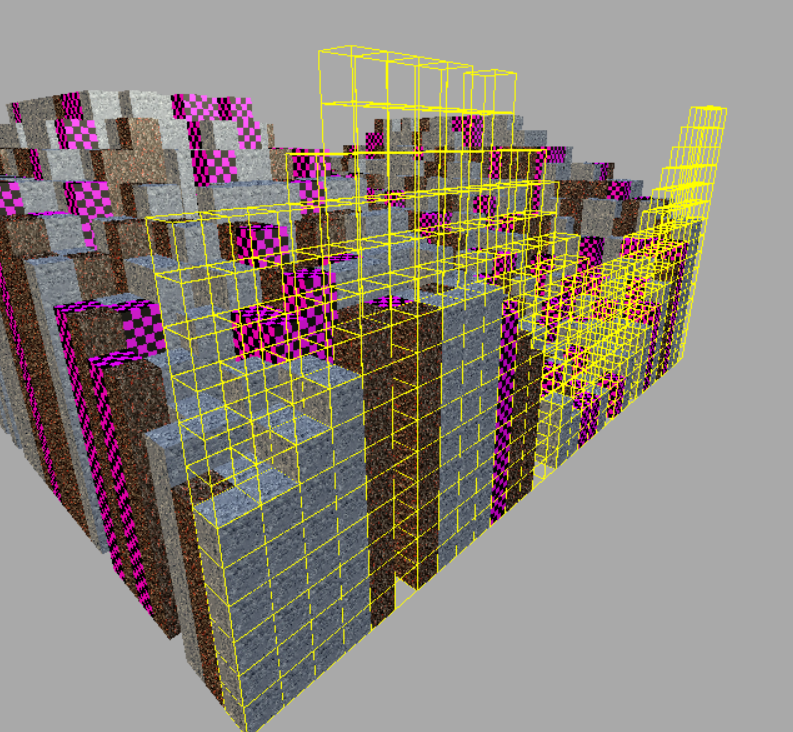
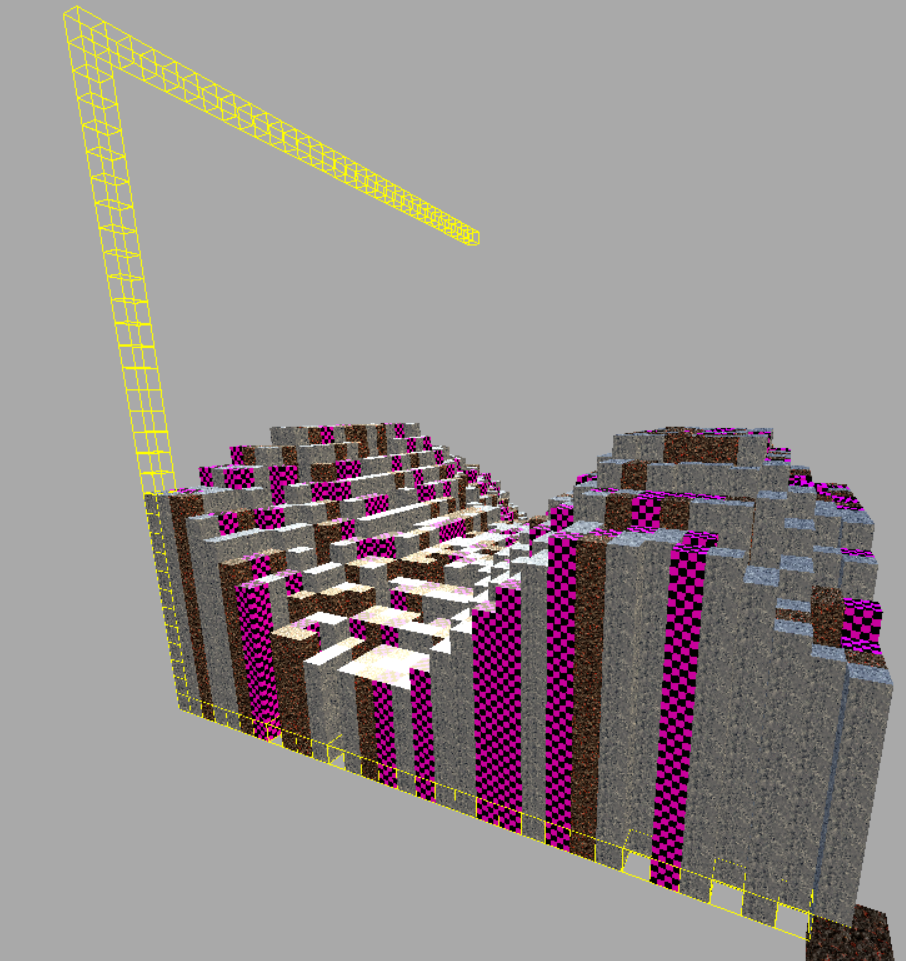
When making further adjustments, I accidentally made a chunk -outliner-, which was interesting. One step further, I made something equivalent to a chunk measurer. Very fun, but still not what is needed.
Terrain Voxel Highlighting (Futureproofing)
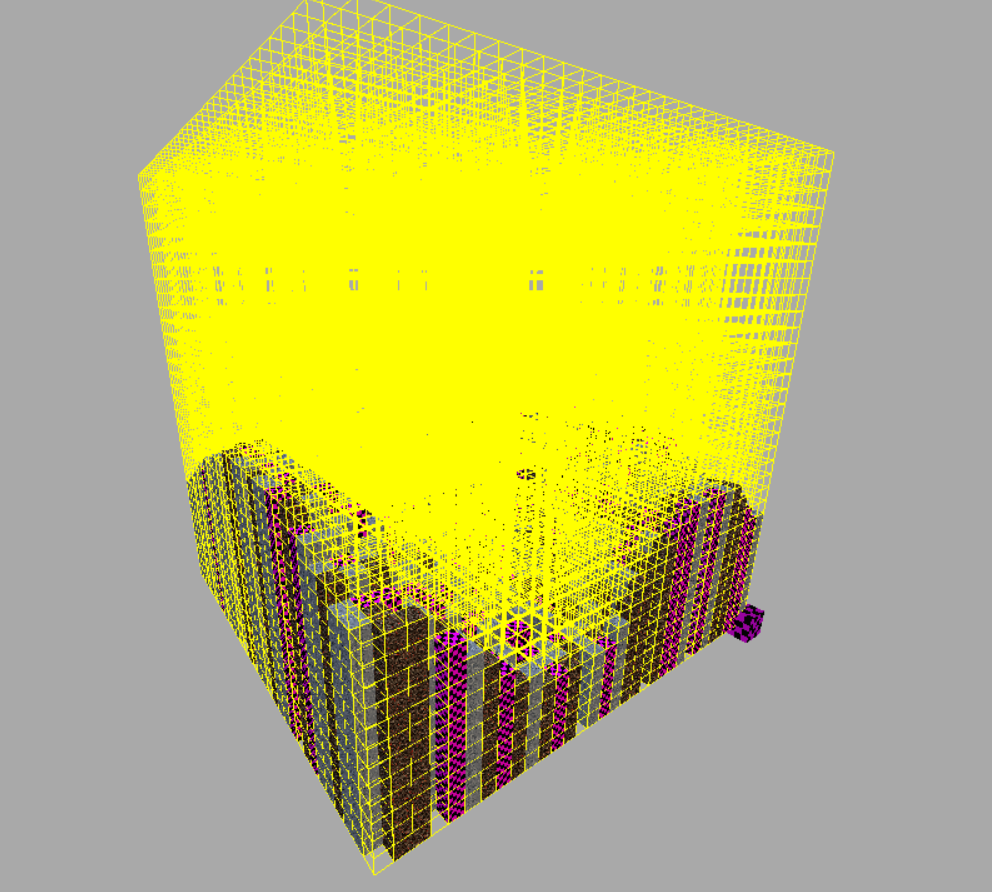
And finally, the highlighting is complete. All cubes now have positions that can be highlighted. This is NOT for the user’s camera, which is handled in a separate call. Instead, this is for something as simple as highlighting structures, sections of empty space, or whatever is needed. Is it worth storing all of these positions? No, but the simple toggle-esque nature of how they’re handled makes it pretty easy to read. This was a small distraction behind resolving texture loading issues, amongst others.
You may also notice an odd cube in the corner that switches textures randomly. This isn’t a trick; it has no dedicated texture. It will instead pick the most recent texture and display it. It’s a separate model that looks like a cube, but isn’t actually generated by the terrain code. It was around this time that Buddha mentioned an issue regarding the camera when it got too close to cubes.
Camera Cleanliness & Pre-UI Concerns
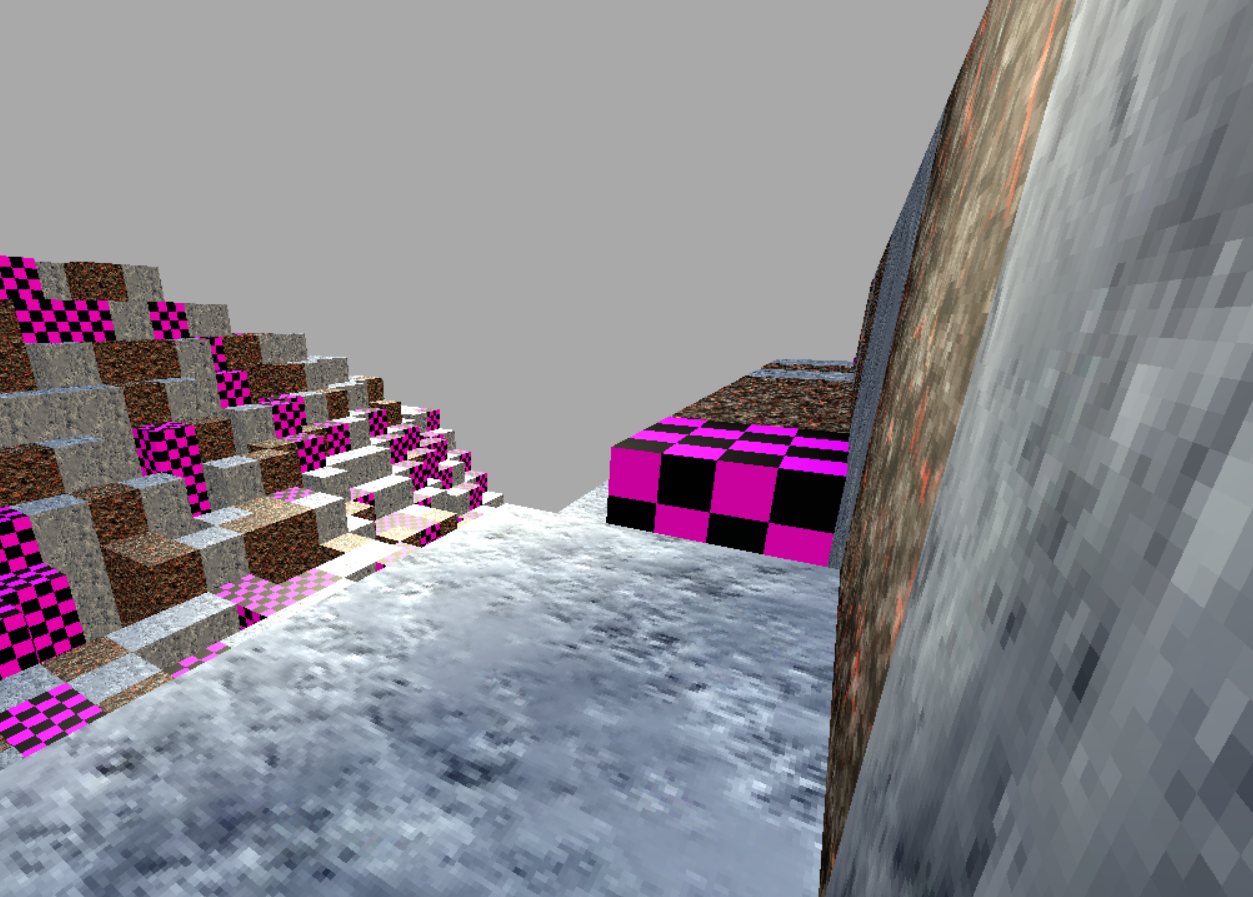
Camera clipping very easily fixed. Mentioned here as SKSSL is updating to Version 1.7 accommodate the camera a little better in addition to all the fantastic changes made to make texture loading more reliable. It is not perfect, especially for models, which will certainly be a struggle. Prototypes were corrected, but so long as there are errors textures visible, it isn’t perfect. Highlighting was gutted again and again as I went about embedding it into the meshing system, meaning the poor player’s camera doesn’t actually highlight visible blocks.
Worseover, I don’t actually know what IDs these cubes have at any given time, because they can change between boots and MBRs for world saves haven’t been created yet. I am considering using ImGUI to quick-render a debug panel to display developer information as it’s seen. The alternative is using Gum UI in a pre-defined panel whose values cannot be so easily changed during runtime. Gum is the backbone of the game UI, and it is fantastically easy to use which is why I have been holding off on it. It is best to fixate on the most difficult parts first before the menus.
Formalizing Plans
Though you personally cannot view the roadmap -maps what we have access to, I am content with sharing with you the priorities:
- Terrain [Not as good for sharing!]1a. All Textures Resolved
So long as there is purple and black, there is a problem.
1b. Adjusted Cube Sizes
I am considering making them slightly smaller than the traditional 1m.
1c. Camera Voxel Highlighting
It is quite important that the voxel viewed is highlighted in some degree.
1d. Infinitum
“Infinite” terrain is a rough one, but the idea is to have it and use it for two or more axes. This does not remove the viability for a “Skyblock” esque mode, though. The idea is novel. It also doesn’t mean a drift away from the goal of an asteroid belt. The game surely would be less fun in a 32x32x32 chunk area. - UI [Good for sharing!]2a. Main Menu
- Physics [Not as good for sharing!]
As the project continues, plans after “stage 1” will become more apparent to you as they do to us. More ideas are always welcome at any point, of course. You can see that there isn’t always going to be something to visually share, because most of the nature of the project is in the raw code-behind that handles the visuals. With respect to busy schedules, patience remains a virtue.
More On Textures

invalid.png | 20260405
I may have gotten carried away with texture sizes. They are 128×128. Is this a good idea? Not sure. It certainly has an impact on memory for better or worse, and there is no LOD handling implemented yet. I am making a repository that matches the structure of mods for this game. Anyone will be able to create a mod, and on the technically, could technically create them before it’s even launched? It wouldn’t be a good idea, but it’s possible. Textures are loaded from compiled XNB game content as a last-resort.
More On Modding
The game will try its best to prioritize modded work first, but as of 20260405 there has yet to be any Load Order handling in SKSSL that will allow mods to be loaded in any order.
The structure of the prototype files are obviously expected to change, so old mods are likely to break. Using YAML as our template instead of JSON generally means it is less likely to immediately break with properly handling, but there are no promises.
The structure goes as follows:
…\The Game\game|mod\textures\blocks\[your folders here, containing .png textures]
…\The Game\game|mod\localization\[your folders here, containing .ftl files]
- type: cube #<-required to be "cube"
  id: invalid_block #<-absolutely vital
  name: block-name-invalid #<-localization key
  description: block-description-invalid #<-localization key
  density: 1 #<-how hard the cube is to break
  fragility: 1 #<-how easily the cube breaks to explosions
  material: test_invalid #<-justified path of block texture. "test" is a folder!
  properties: #<-full list of custom properties will be provided later. These include custom drops.
  ...

#(Note: You really should not mix prototype-types in files. However, it should work fine if you do.)
- type: item
  id: bar_aluminum
  name: bar-aluminum-name
  description: bar-aluminum-description
  material: bar_aluminum
Mods share the same structure as the game folder. Using the game prototypes as a guide will be more than enough when it becomes relevant. Items are finnicky; loaded as specialized yaml entries which are fed into a templating system which are then instantiated as entities. The loading process for them is complete, but anything related to inventories is untouched barring the foundations of Inventory Hashgrids.
Partnership With Another Game
The partnerships made over the XMP were lost with the project’s closure. We may or may not be entering a partnership with a different game. I am told the actual agreement was universally voted in favor, but we have yet to hear nor see anything further on the matter.