I began with porting the Greedy Meshing algorithm (MIT) from the Veridium Engine. The whole algorithm is written in a very low-level (practically in C!) and in Silk.NET, which was not compatible with MonoGame in the slightest. As I progress, I found more things to rewrite every few steps of the way. However, once cannot deny the efficiency and precariousness of low-ish -level programming.
All of the rendering techniques had to be disposed of and replaced with monogame hooks, including an intermediary class that converted the raw data into monogame-friendly vertex data. It’s dynamic, since voxels are expected to be changed very frequently.
Automated Terrain Rendering Accomplished
When the code was finally able to compile, issues immediately arose with rendering as expected. Firstly, the textures of all voxels would switch to the test cube model, likely due to having reused of the same shaders effect.
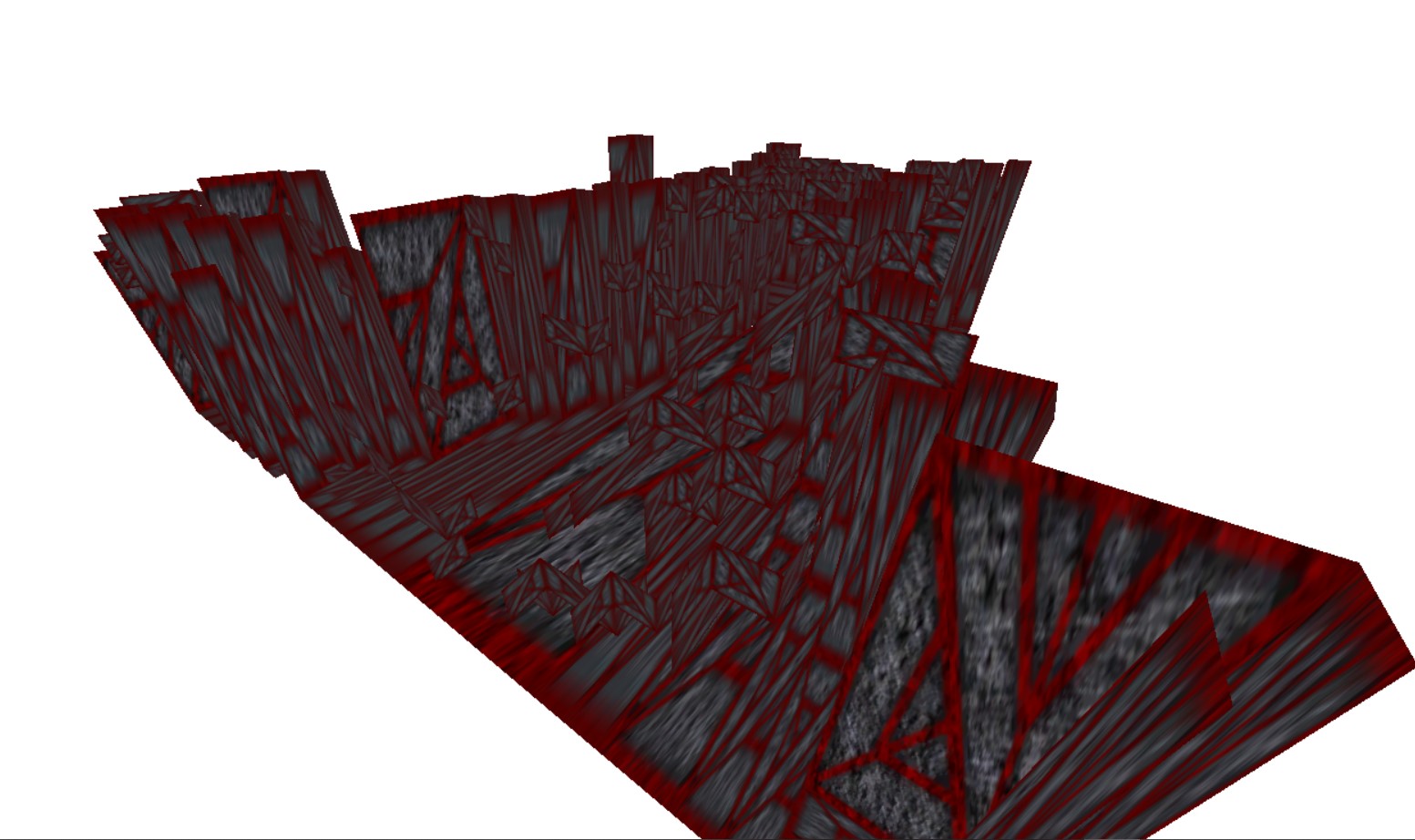
Voxel Inversion & Error Texture
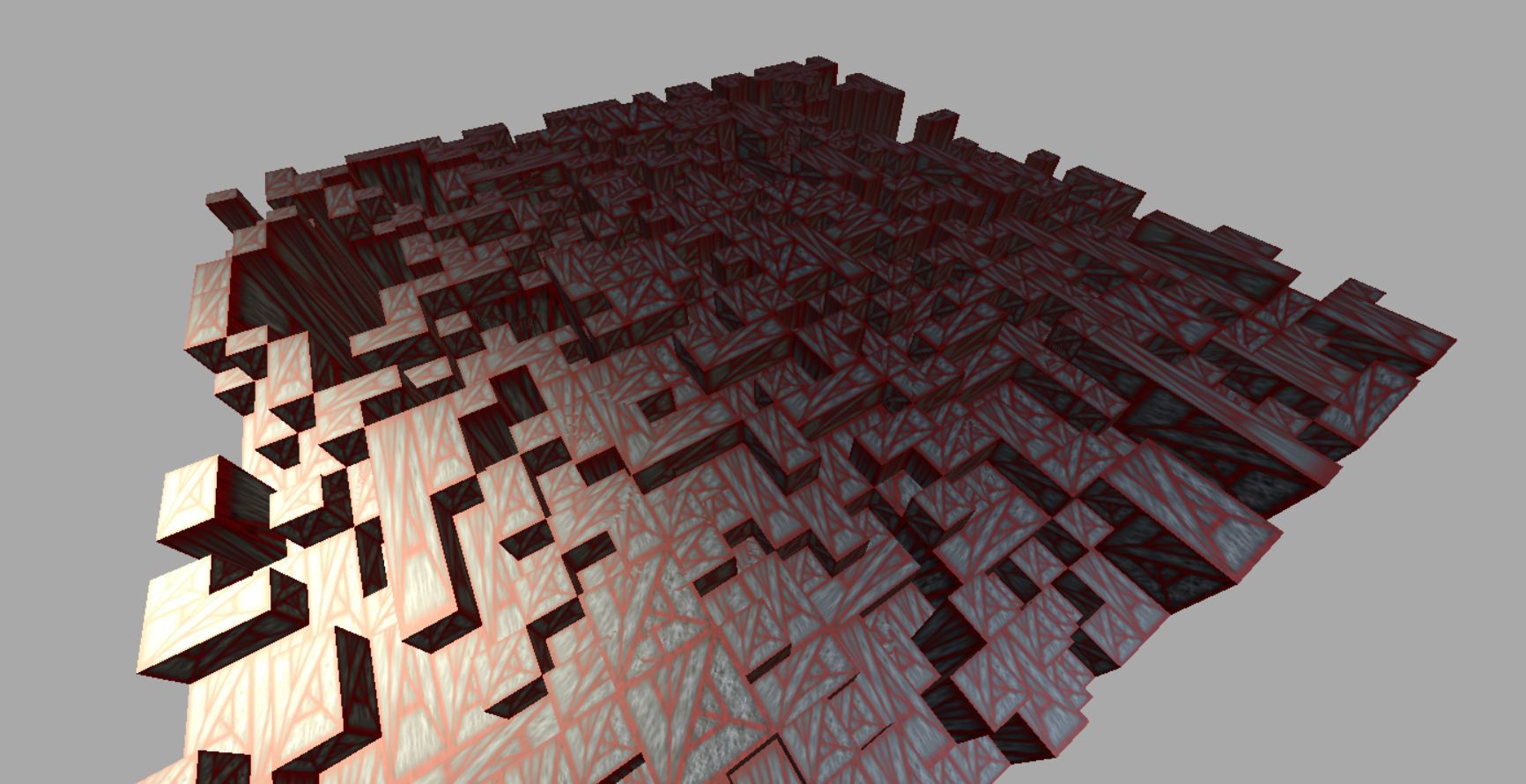
Second, that all voxels were visually inverted; culling the opposite of what they should be. I didn’t realize it in the moment, and spent time testing the various map sizes I could generate without crashing the program.
At least it made for an interesting cave-like screenie, though.
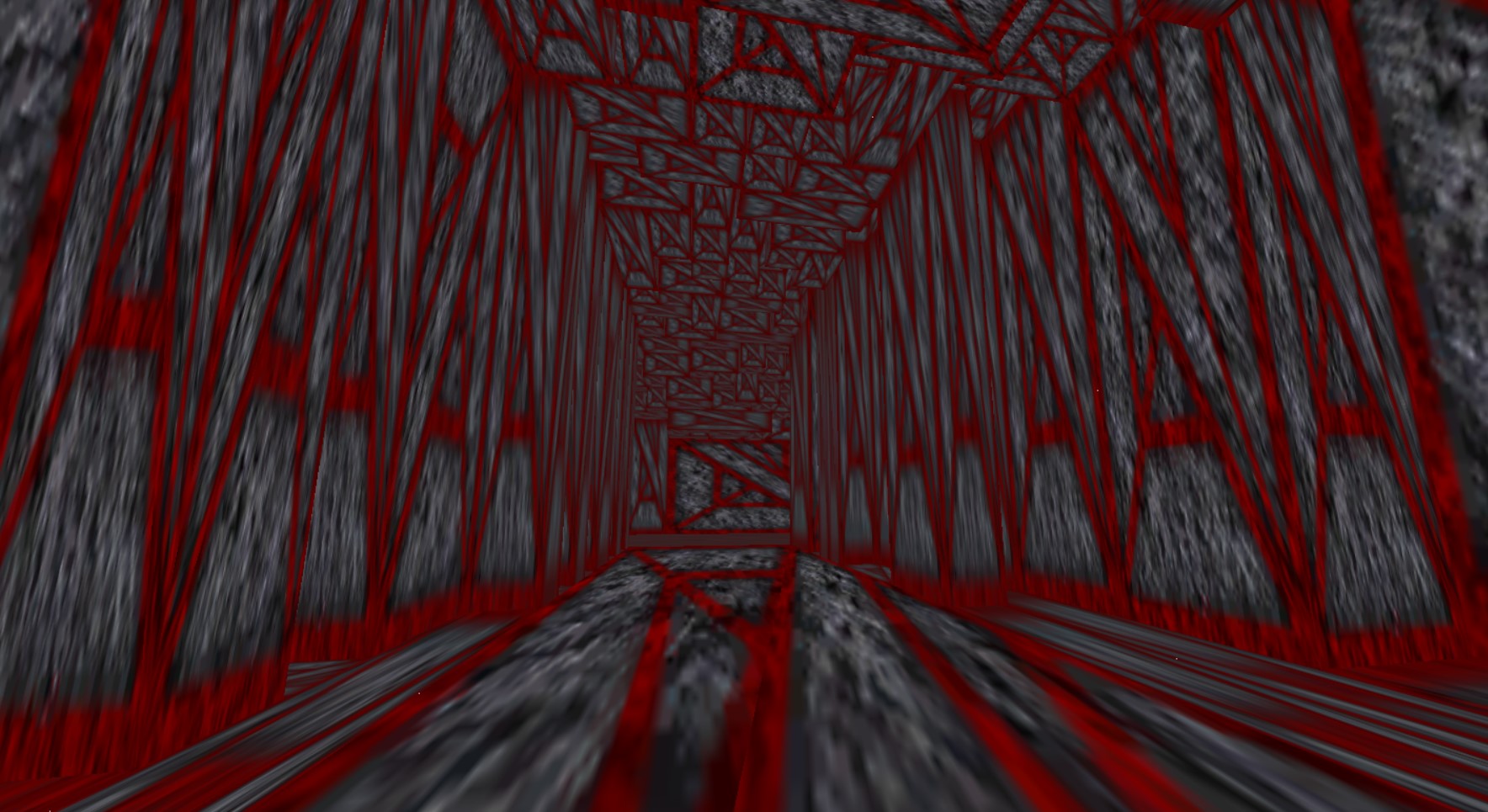
After stripping away textures and cramming the map into one large space containing thousands of voxels (more than chunks can realistically possess, two voxels in one space is excessive), I realized it was the Culling rotation.
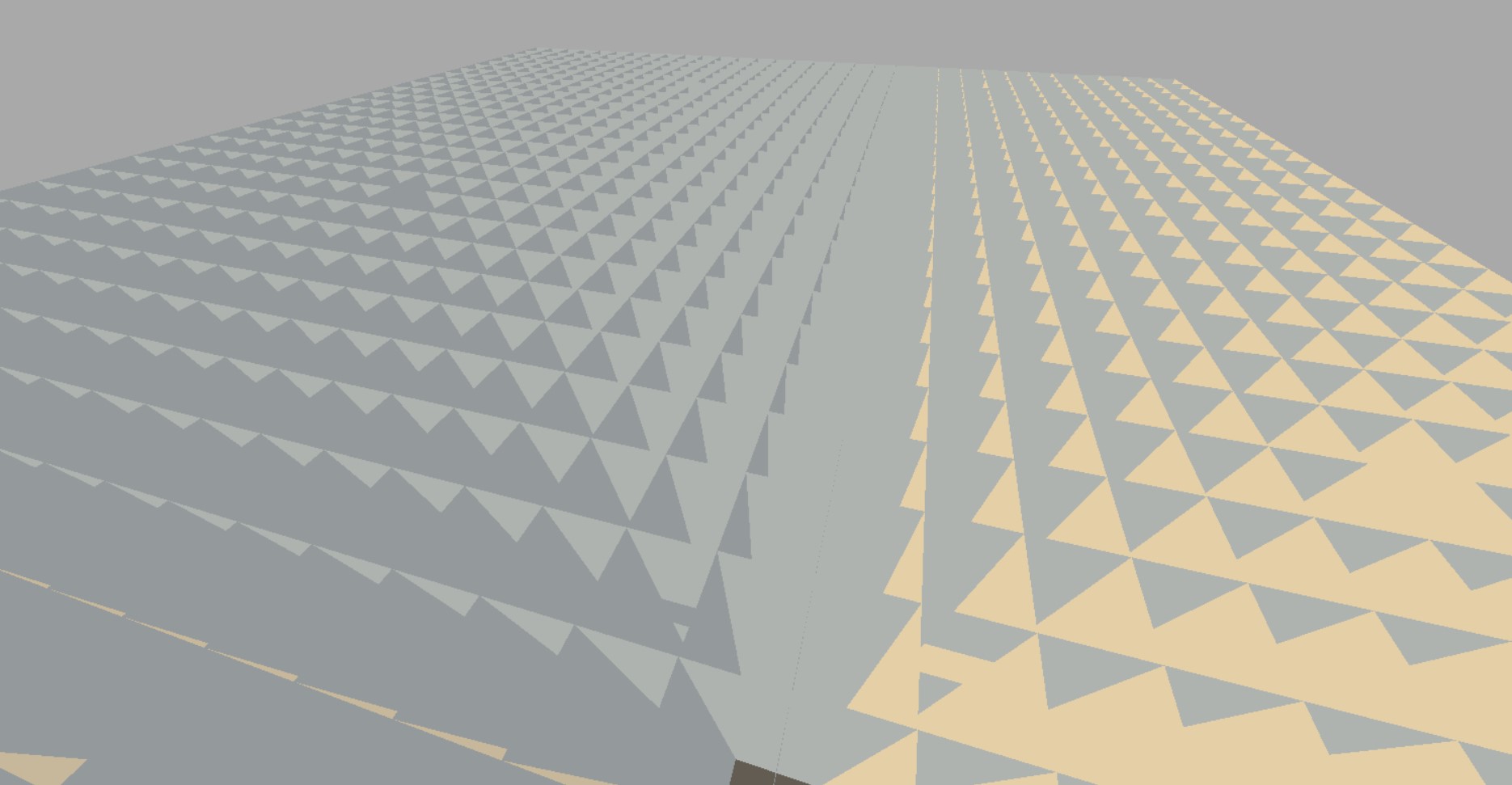
Anti-Clockwise just wouldn’t suffice for an algorithm written to cull in a Clockwise motion. This was quickly fixed, but the results still left a few things to be desired. The map looked especially ugly in all-white, in addition that the entirety of the terrain algorithm at work still wasn’t functioning quite as intended.
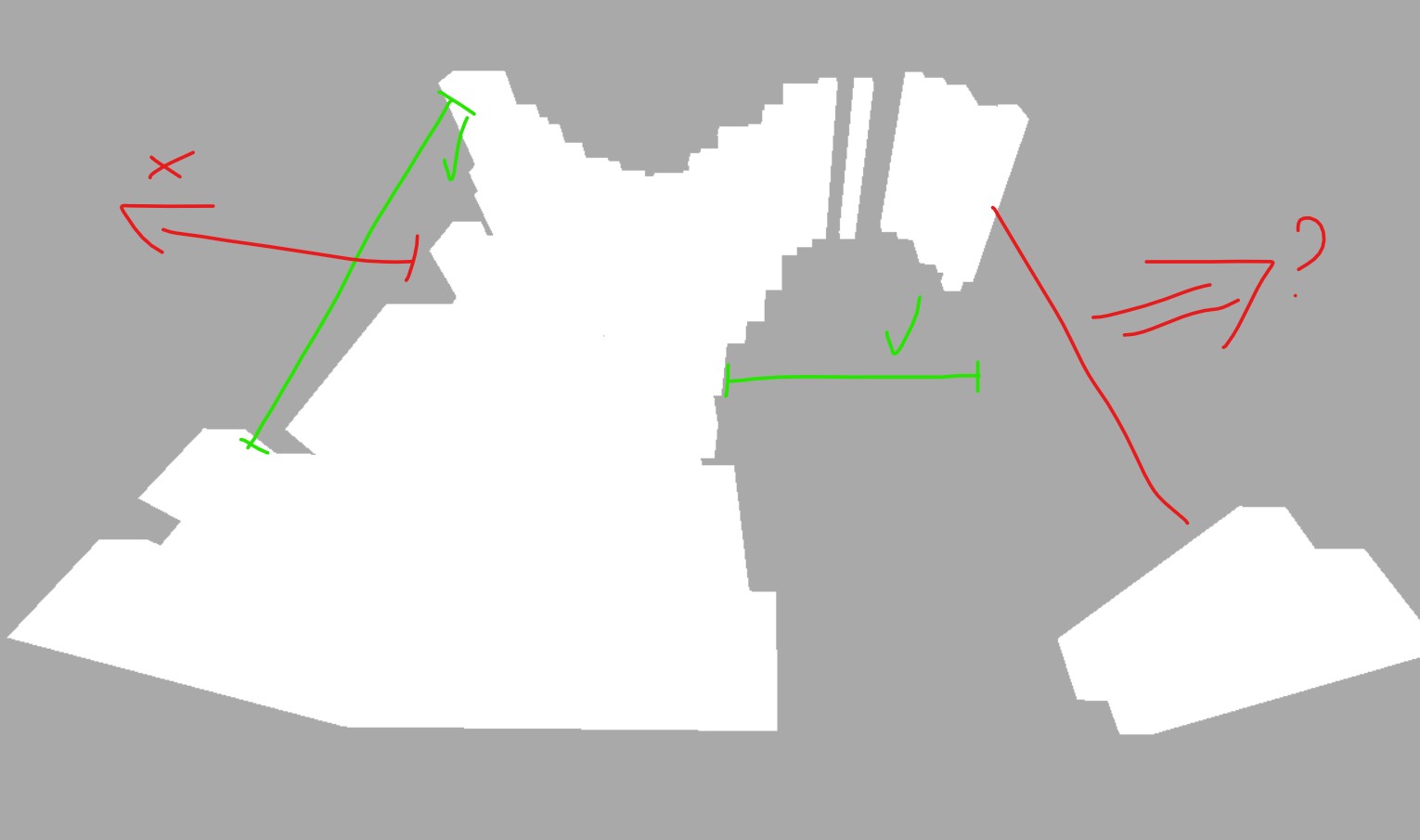
Voxel Terrain Culling Corrected
Even though the culling was resolved, and I learned why the voxels looked the way they did, I still needed to resolve texture uniformity. For now, I would continue to reuse the same Shader effect despite the textures to come out being invalid.
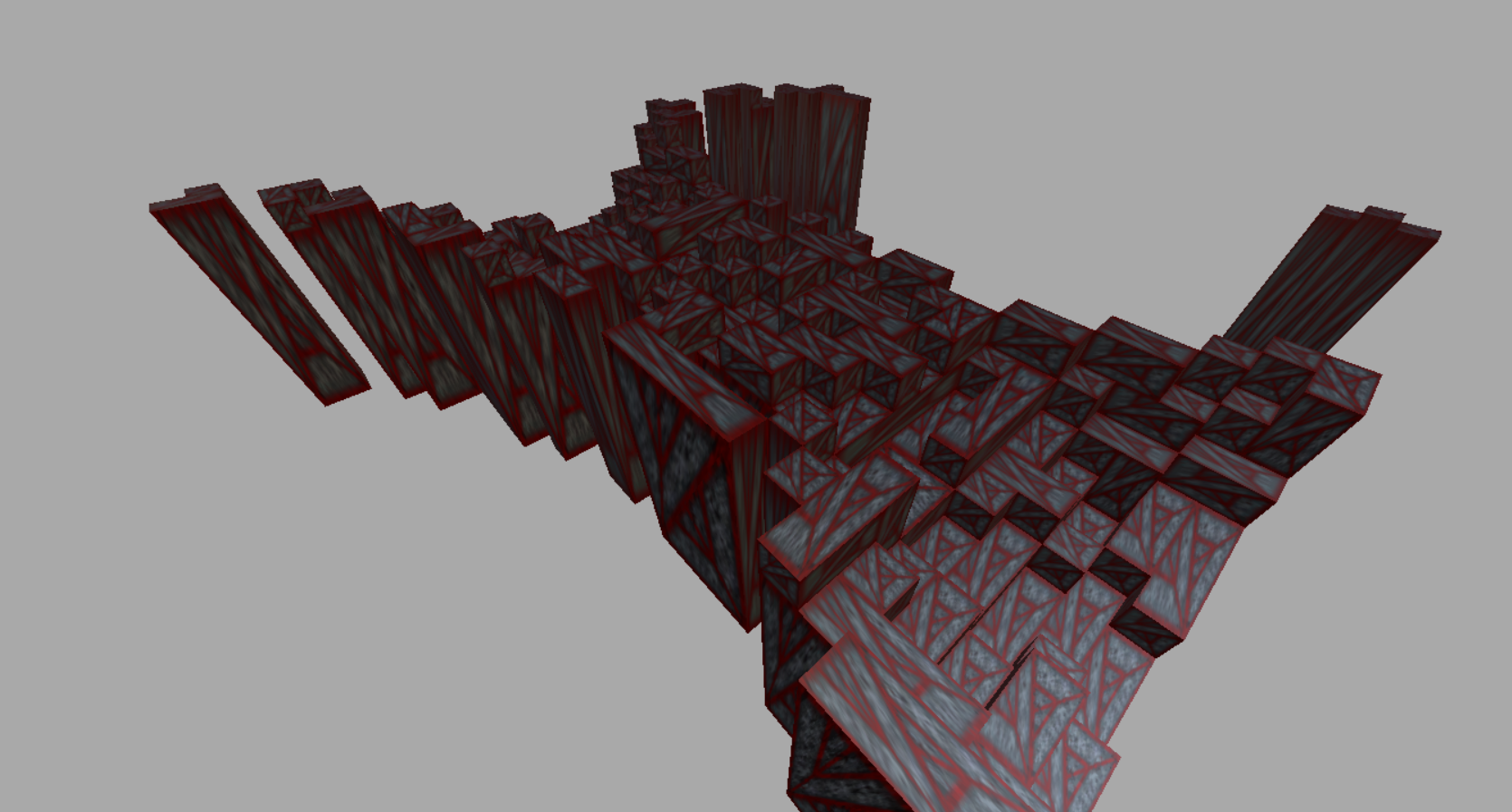
After a quick tweak to the camera code, and some todo notes to make a debug panel, I began on the road to making this generated terrain more pleasing to the eye. After some time, it arrived to the point where all textures were aligned to their UV values.
Voxel Terrain UVs Cleaned
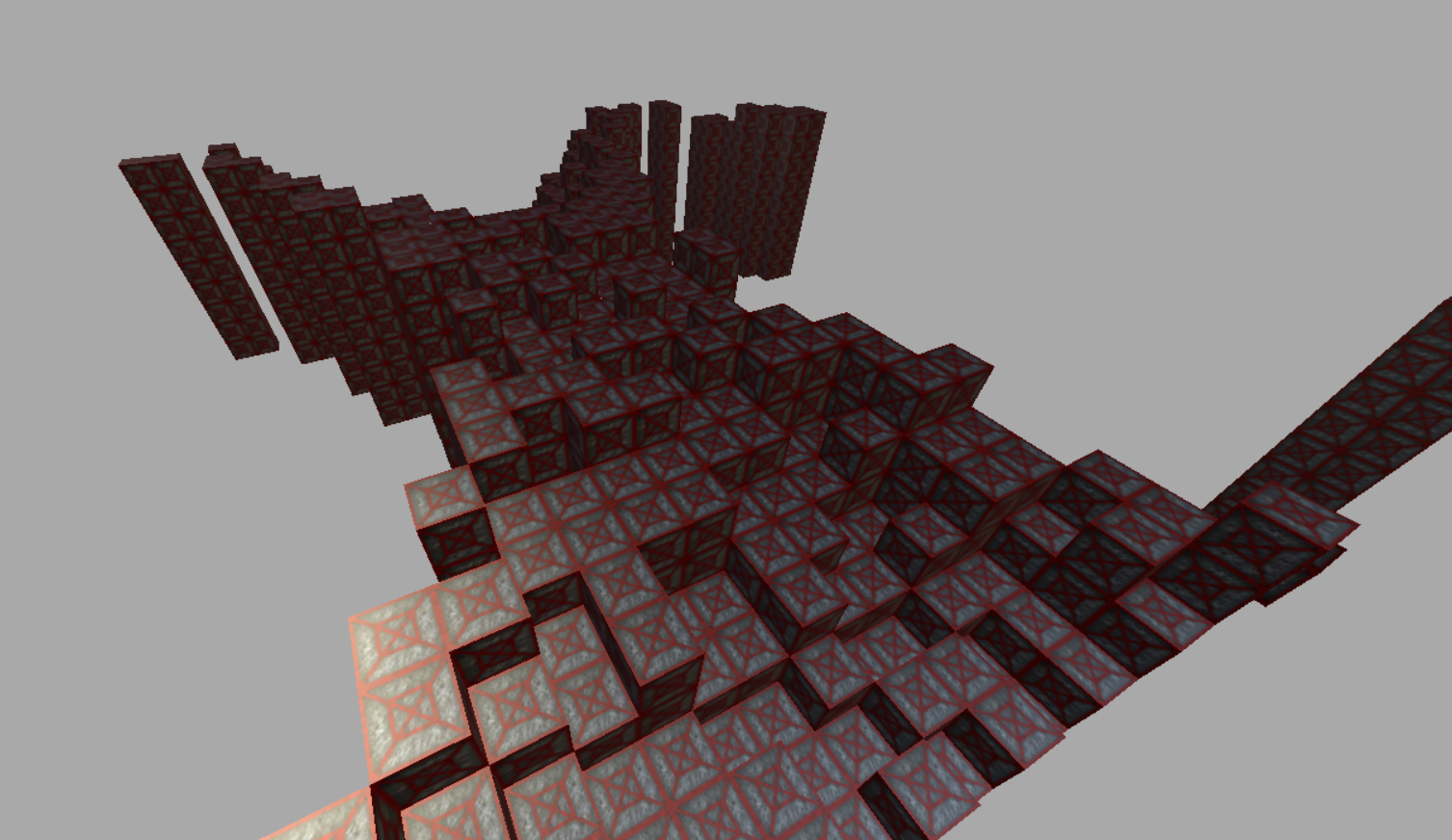
However, as pretty as it looks, it is still using the wrong texture purely by accident. One cannot get by with rendering an entire chunk based on a test-model.
There’s a few key points:
- This has been extremely difficult, so I’ve been getting conceptual help with a few things and using my sources to their fullest. I am ashamed to say I’ve scoured forums, documentation, and used an LLM when all else failed, and that I am indeed not an all-knowing deity of code.
- This is barely optimized as it is. It could be so much better, so I will be doing that.
To kill the concern before it rises, all code is hand-written— or in the case of Vercidium (i may call it accidently Veridium on occasion), reworked —by myself, and without blind copy. Heaven forbid I write using the absolute garbage that GPT spits out. Optimizations are also being done by hand, the suffering is quite real.
- Voxels are created dynamically with IDs provided algorithmically:
for (int x = 0; x < mx; x++) looping over x coordinate
for (int z = 0; z < mz; z++) looping over z coordinate
{
    make it wavy
    var height = 1 + (int)((MathF.Sin(x / 8.0f) + 1) * 4) + (int)((MathF.Sin(z / 4.0f) + 1) * 4);
    height += Random.Shared.Next(2); make it bumpy

    fill in the blocks (but make some holes)
    for (int y = 0; y < height && height < 10; y++)
        map.AddVoxel(z, y, x, 2); 2 = voxel ID of 2
}
This is the primitive predecessor of what biomes, planet variations, craters, and generally all landforms are based on. What is a biome but a wrapper of voxel types and terrain generation instructions? In all seriousness, a substantial part of terrain was accomplished this past week, despite it being a bit primitive.
Though earlier I remarked that the goal was to render “something” and then switch abruptly to UI work, I feel it more pertinent to persist in partaking in passive voxel terrain: i’m optimizing this a bit further as best as I can. It renders nicely as it does, but I am certain it can be better. To you, yes, you, there would be no visual difference until the game launches and your computer wirrs at the Kuiperbilt equivalent of a Skyblock map.
In short: all is well. Voxels are doing good this time of year; time to improve it and make it render actual block textures and not a bug.
About World Terrain
“Traditional” world terrain is simple compared to what I aim to create for Kuiperbilt. Although in a three-dimensional space, common terrain is generated with the understanding that there is a ground to stand on; the world is a massive rectangle, and you reside on its surface.
Our game at its current stage does the same thing, it is the easy part, after all. For the future however I am torn between two paradigms for how the “world” should look:
- Generate a large, curved, physically-round ring around a star.
- Generate an infinite “line” world with the star as the skybox.
Obviously, one of these is more difficult than the other; the former. The latter is easier but also creatively uninspiring when left to stand on its own, even if it was generated to make unmoving asteroids a thing. Perhaps some idea-guys in the Discord can come up with some more interesting ideas.
Below are most vital sources:
- The Monogame discord.
- Especially the Monogame Documentation.
- Vercidium
- StackOverflow
- StackExchange